> ## Documentation Index
> Fetch the complete documentation index at: https://docs.crate.fm/llms.txt
> Use this file to discover all available pages before exploring further.
# Upgrade your account
> The more tracks the merrier. Check out this guide to unlocking more storage in your Crate.
With Crate.fm, you can store unlimited tracks. Here's a guide to upgrading your account:
## Crate.fm Pricing
If you're on the free tier of Crate.fm, you can store 10 songs forever. If you aren't familiar, here's a look at our pricing:
| Plan | Song limit | GB limit |
| ---- | ---------------- | -------- |
| Free | 10 tracks | 5GB |
| Plus | 100 tracks | 25GB |
| Pro | Unlimited tracks | 50GB |
## Upgrading your Crate
This guide applies to the Crate.fm web and iOS app.
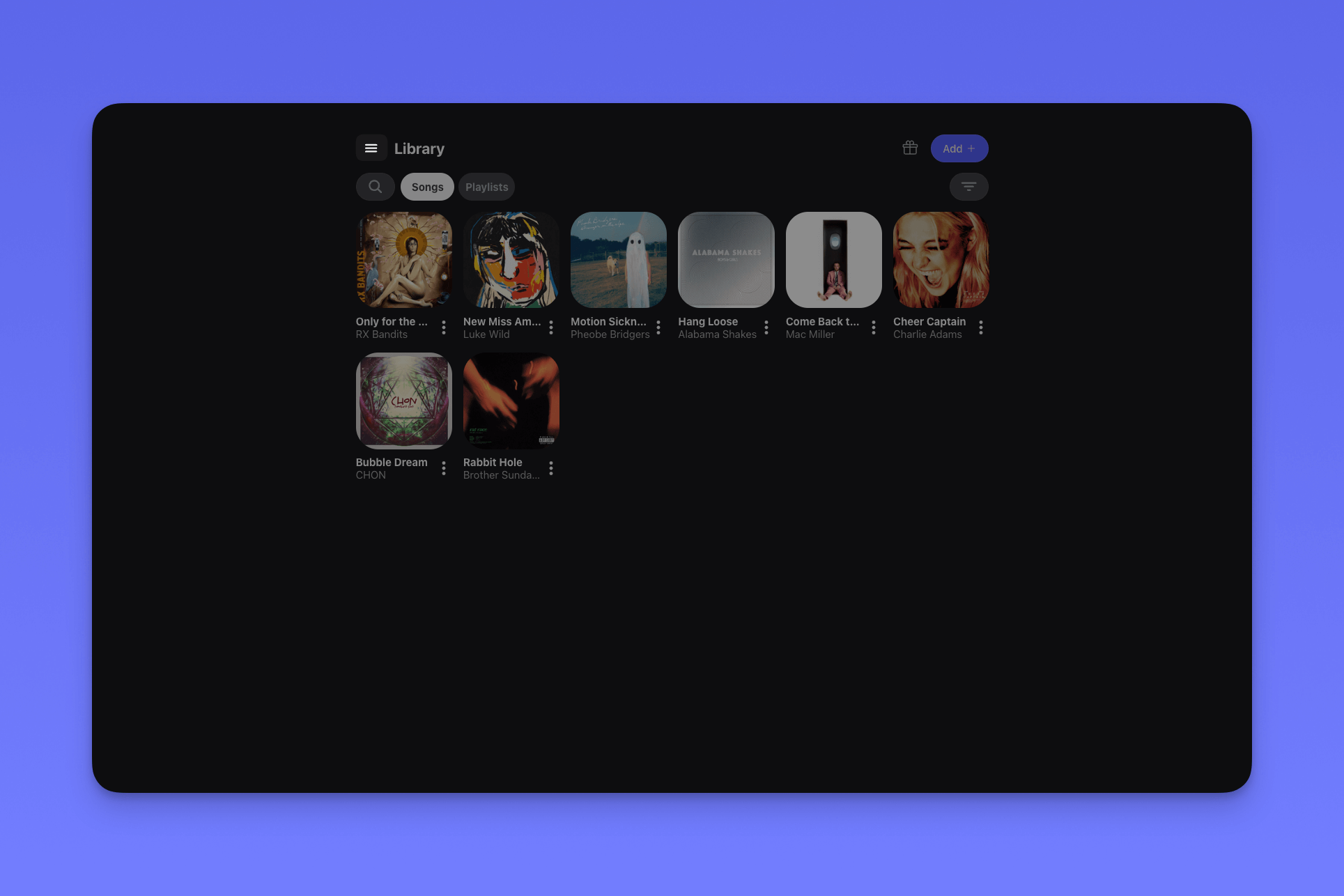
Navigate to your Crate.fm settings by clicking the menu icon in the top left
corner of your Crate.fm app.
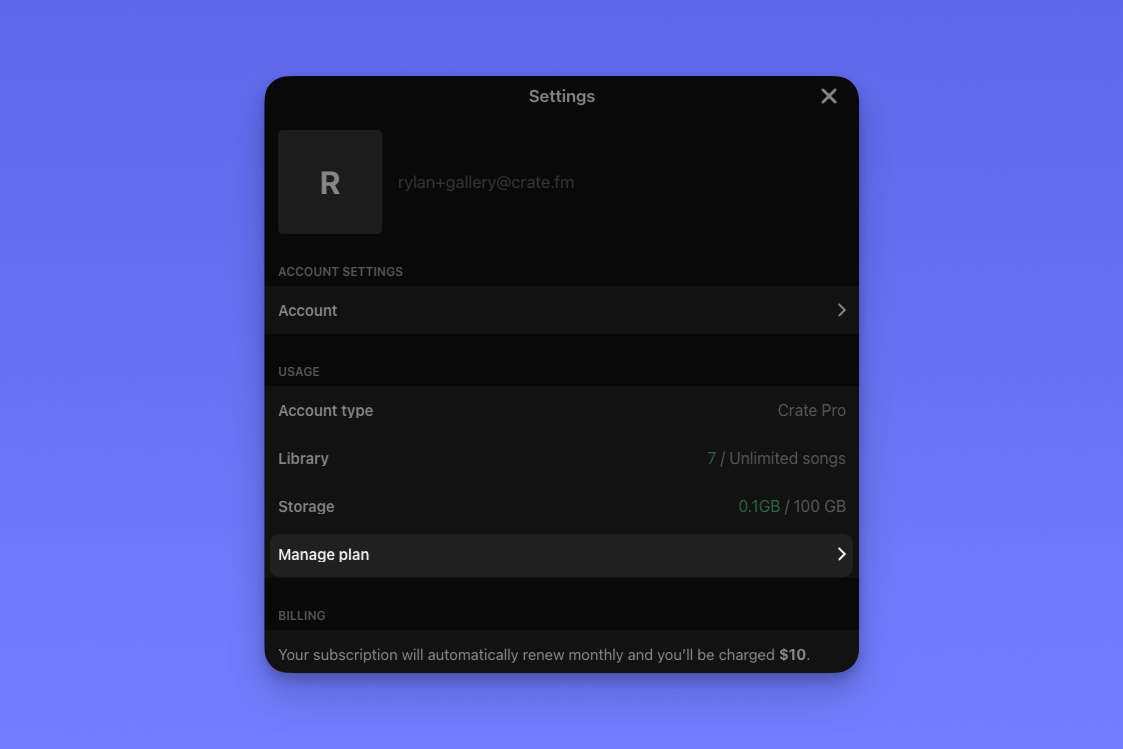
 From your Crate.fm settings, click "Manage Plan."
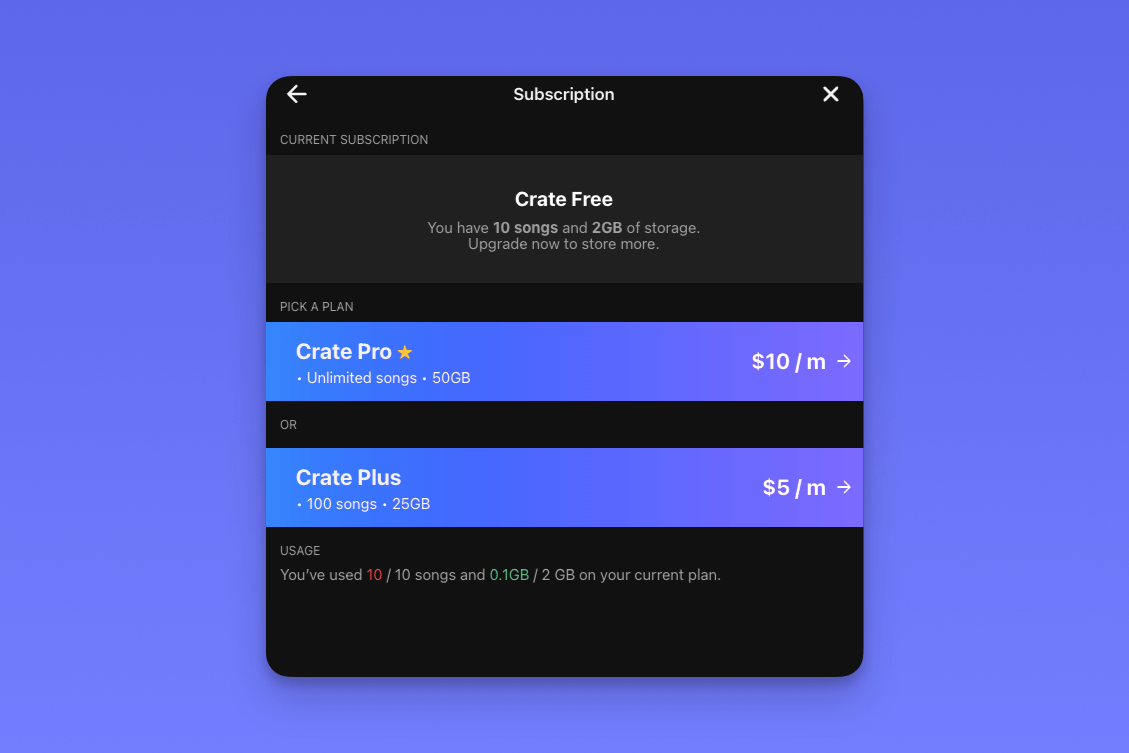
 On the "Manage Plan" screen, you can choose between Crate Plus and Crate
Pro. On Crate.fm Plus, you can store and share up to 100 tracks, on Crate.fm
Pro, you can unlimited tracks.
On the "Manage Plan" screen, you can choose between Crate Plus and Crate
Pro. On Crate.fm Plus, you can store and share up to 100 tracks, on Crate.fm
Pro, you can unlimited tracks.