> ## Documentation Index
> Fetch the complete documentation index at: https://docs.crate.fm/llms.txt
> Use this file to discover all available pages before exploring further.
# Share your tracks
> Sharing tracks in Crate.fm is fun. Check it out.
Create beautiful links for your tracks with this guide to sharing music in Crate.fm. Share your tracks with your friends, family, and fans. It's easy and fun.
This guide works for the Crate.fm web and iOS app.
## Share your tracks
Navigate to the track you want to share in your Crate.{" "}
If you haven't already, make sure you have tracks uploaded to Crate.fm
before continuing.
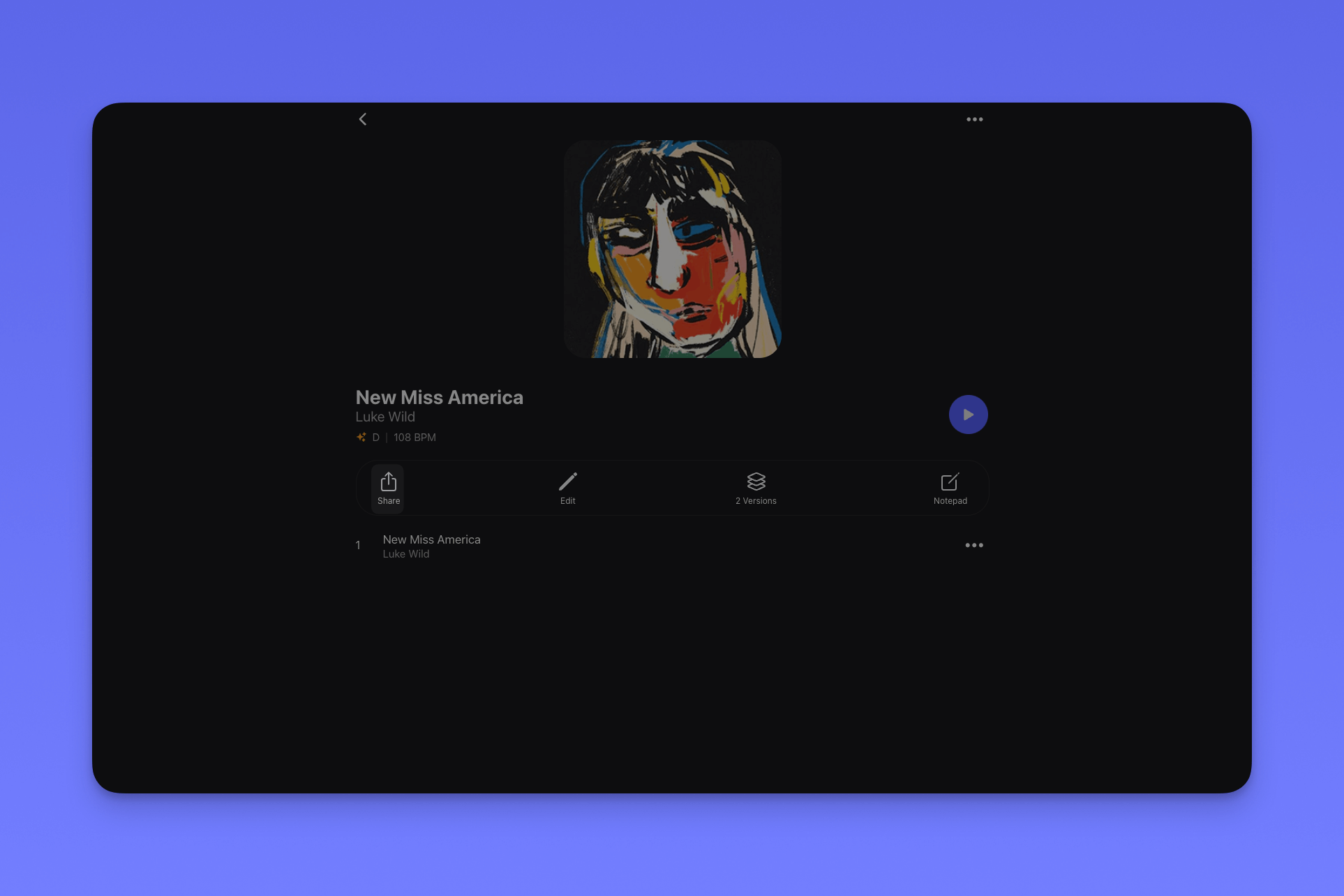
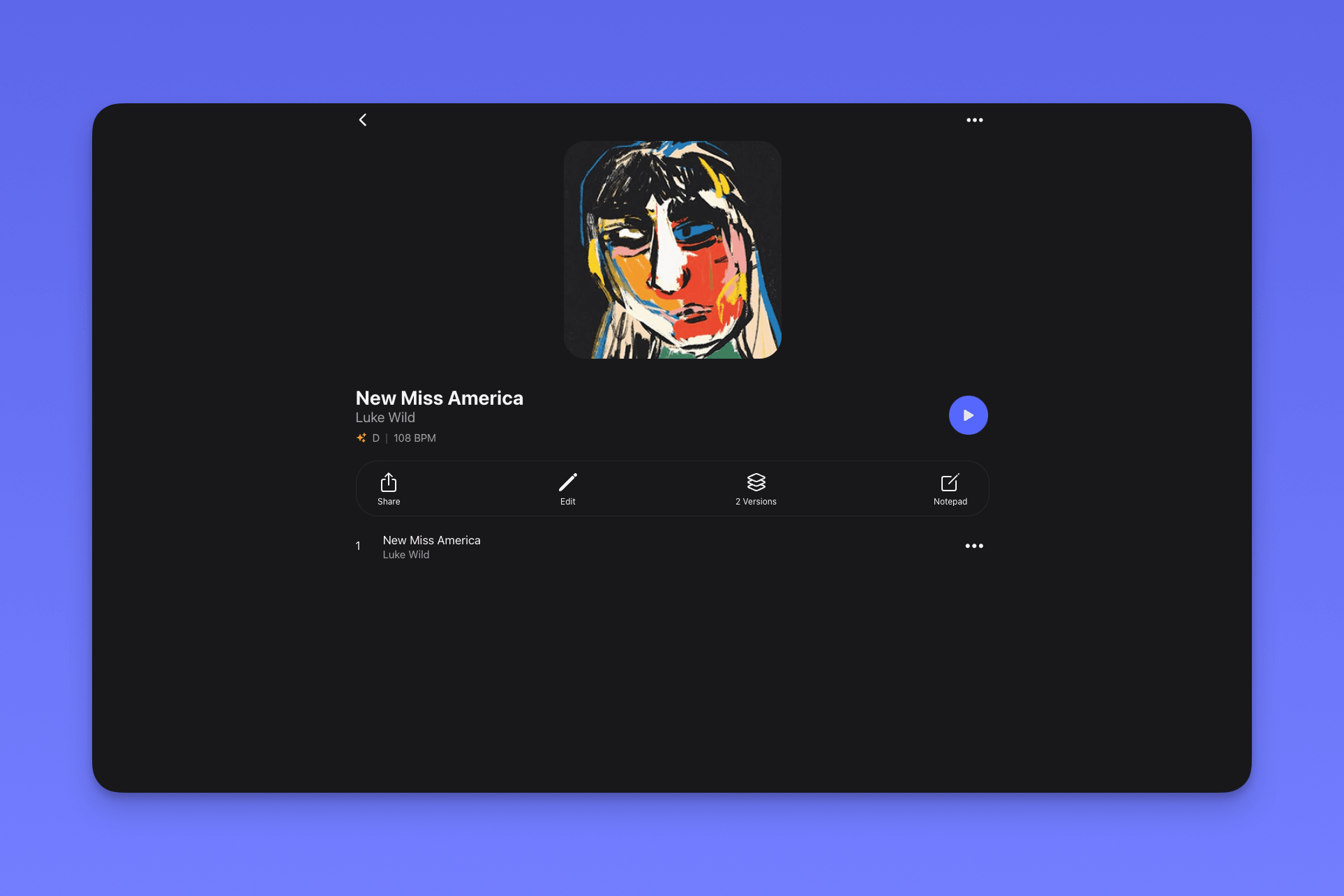 Click the "Share" button in the Song Toolbar.
 After clicking share, customize your link. In Crate.fm, you can customize
the following options for each of your links:
After clicking share, customize your link. In Crate.fm, you can customize
the following options for each of your links:
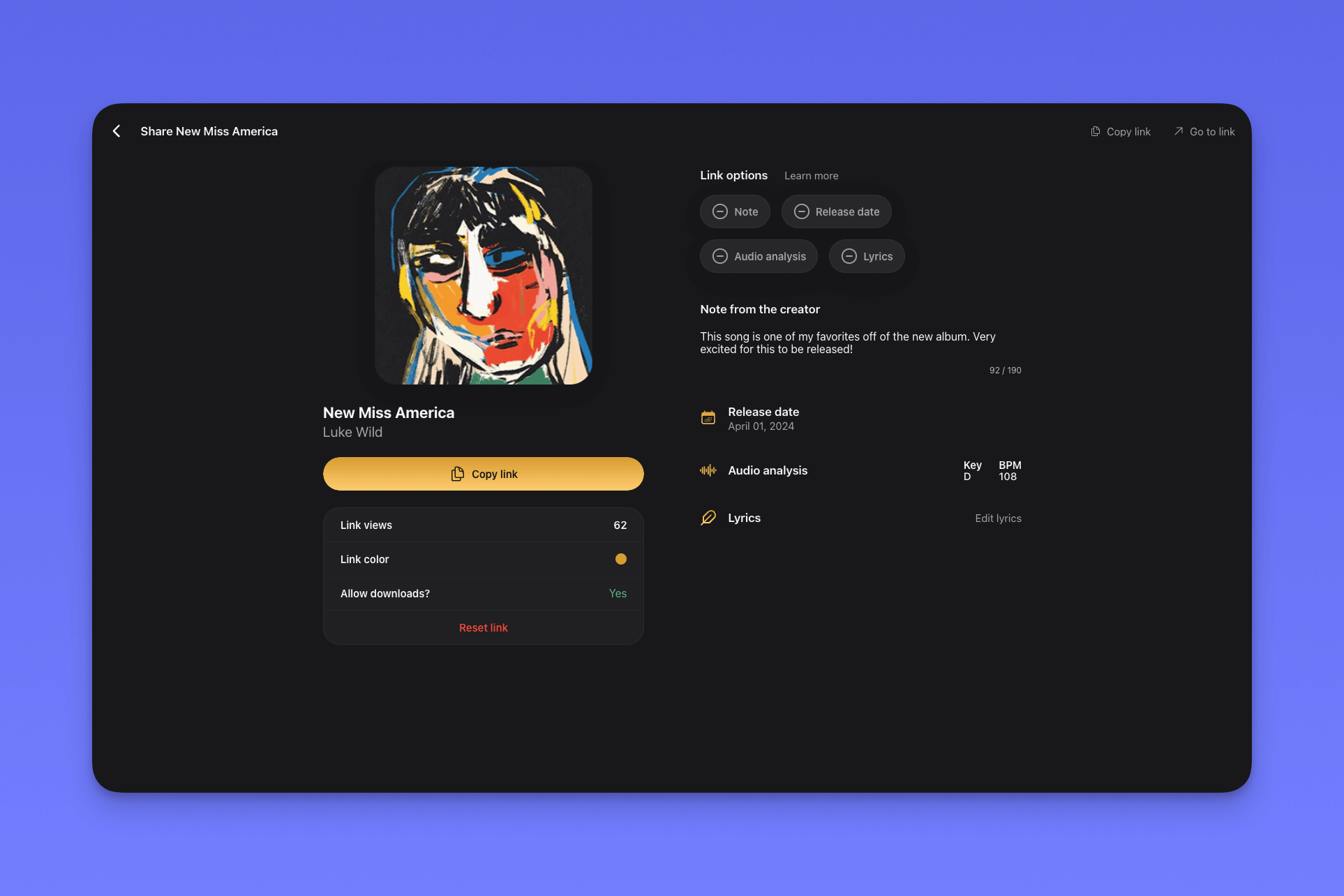 Set a custom color for your link
Allow your listeners to download your track
Revoke access to your link by resetting it
Add a note to your track
Set a release date for your unreleased track
Share the key and BPM of your song
Add your track's lyrics to your link
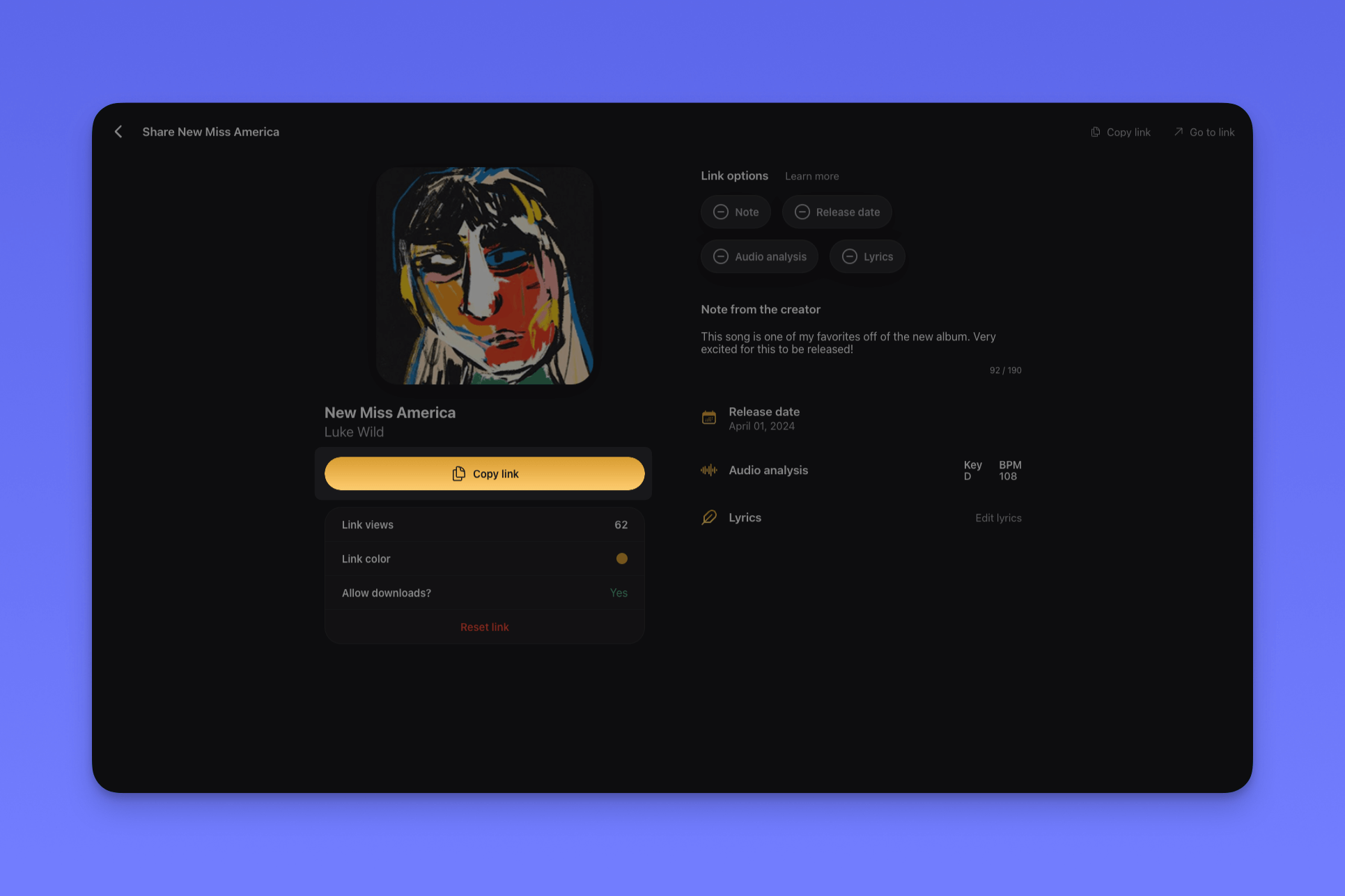
After customizing your link, click "Copy link" to share your track with
friends, family, or collaborators.
Set a custom color for your link
Allow your listeners to download your track
Revoke access to your link by resetting it
Add a note to your track
Set a release date for your unreleased track
Share the key and BPM of your song
Add your track's lyrics to your link
After customizing your link, click "Copy link" to share your track with
friends, family, or collaborators.
 ## Customizing your links
With link color, you can set the accent color of your link. Crate.fm
analyzes the colors in your artwork to suggest a color that matches your
track.
If allow downloads is "Yes," anyone recieving your link can download your
track. If it's "No," they can only stream your track.
You can reset access to your link by clicking "Reset link."
After you reset your link, the original link to your track will no longer be accessible, and
your track will have a new sharing link, which you can copy with the "Copy
link" button.
Add a note to your link to give your listeners more context about your
track.
As Crate.fm is designed to store your unreleased music, you can set a release date to let people know when your song will be available on streaming platforms.
Setting a release date is great for sharing music with fans before a release or sharing music with playlists, labels, and publishers. The person receiving your link can add your release date to their calendar.
Share your track's key and BPM (detected via Crate.fm AI 🤯) with your links.
If you're a producer, share your key & BPM to make it easier for collaborators to work with your beats and loops.
Adding lyrics to your links is a great way to help people connect with your songs.
If you're a songwriter, sharing your lyrics with a Crate.fm link after a session is a great way to keep everyone on the same page.
## Customizing your links
With link color, you can set the accent color of your link. Crate.fm
analyzes the colors in your artwork to suggest a color that matches your
track.
If allow downloads is "Yes," anyone recieving your link can download your
track. If it's "No," they can only stream your track.
You can reset access to your link by clicking "Reset link."
After you reset your link, the original link to your track will no longer be accessible, and
your track will have a new sharing link, which you can copy with the "Copy
link" button.
Add a note to your link to give your listeners more context about your
track.
As Crate.fm is designed to store your unreleased music, you can set a release date to let people know when your song will be available on streaming platforms.
Setting a release date is great for sharing music with fans before a release or sharing music with playlists, labels, and publishers. The person receiving your link can add your release date to their calendar.
Share your track's key and BPM (detected via Crate.fm AI 🤯) with your links.
If you're a producer, share your key & BPM to make it easier for collaborators to work with your beats and loops.
Adding lyrics to your links is a great way to help people connect with your songs.
If you're a songwriter, sharing your lyrics with a Crate.fm link after a session is a great way to keep everyone on the same page.